A quick guide to letter case
Letter case is how written languages distinguish between larger capital letters and smaller lowercase letters. Writing systems that have both pair the two forms together: each capital has a matching lowercase twin that shares its name, sound, and place in the alphabet. Everything below is a short tour of the transforms this tool performs and when you might reach for each one.
Case & text
UPPERCASE
Every letter rendered in its capital form. Good for short labels, alerts and acronyms; avoid for anything longer than a few words — it's slower to read and can come across as shouting.
lowercase
Every letter rendered in its small form. Lowercase is the default for body copy in most modern writing — easy to scan, quiet on the page.
Sentence case
Only the first letter of each sentence is capitalized — plus proper nouns and anything English grammar normally demands. It's the natural fit for paragraphs, UI copy, and conversational writing.
Title Case
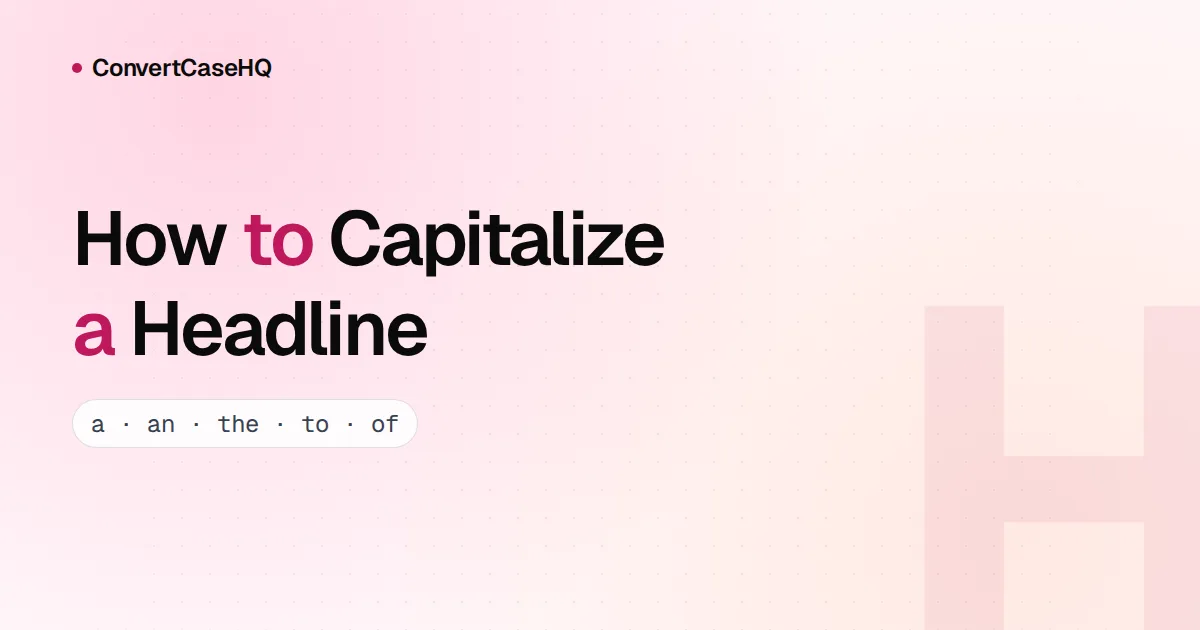
Capitalizes the major words — nouns, verbs, adjectives — and leaves short articles, prepositions, and conjunctions lowercase. It's the classic headline style for publications and blog posts.
Capitalized Case
Every word's first letter is capitalized and every other letter drops to lowercase — unlike Title Case, it doesn't spare small words. Common for names, brand marks, and short labels that need a uniform look.
aLtErNaTiNg cAsE
Starts lowercase and alternates every subsequent character, regardless of the original casing. Mostly used for stylistic emphasis on social media.
iNVERSE cASE
Flips every letter to its opposite: capitals become lowercase and lowercase become capitals. Handy for quick visual effects or for auditing unusual capitalization in a source string.
Reverse
Reverses the order of every character in the text. Useful for quick obfuscation, palindromic checks, or playful typography.
Clean whitespace
Collapses runs of spaces to a single space, strips leading and trailing whitespace from each line, and removes empty lines. Ideal for sanitizing text pasted from Word or a PDF.
Dedupe lines
Removes duplicate lines, keeping the first occurrence of each. The order of remaining lines is preserved.
Sort lines
Sorts every line alphabetically using locale-aware comparison. Handy for cleaning up lists, CSV columns, or JSON key sets.
Strip Markdown
Removes Markdown syntax — headings, emphasis, code fences, links, images, lists — and returns plain text. Useful when you need a readable preview without rendering full Markdown.
Developer
camelCase
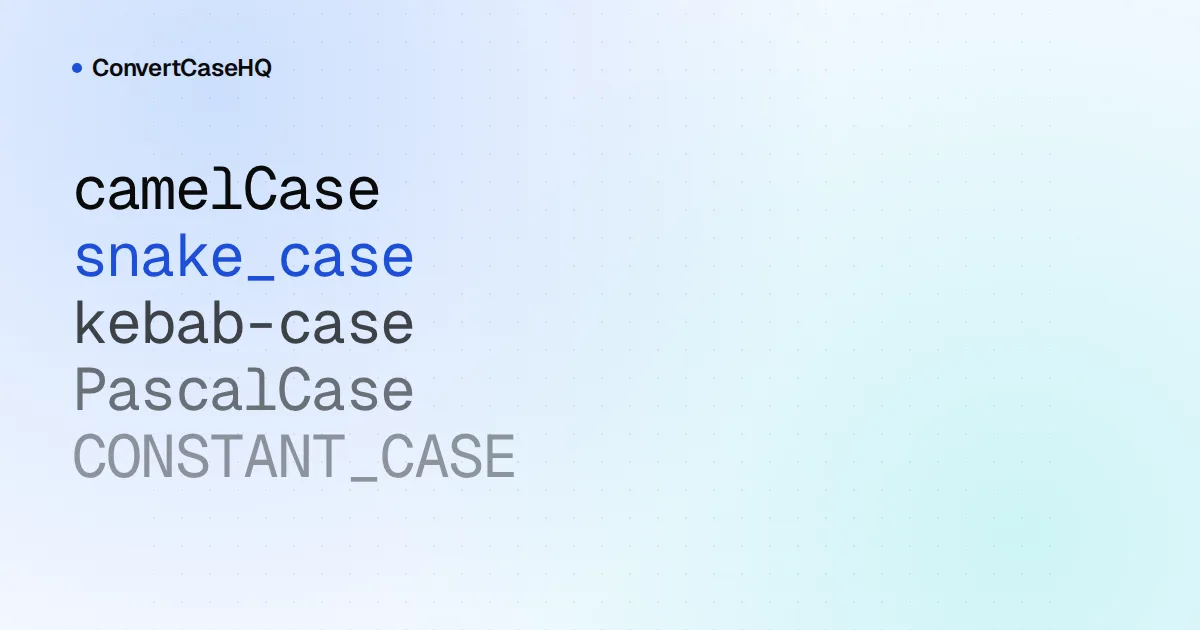
The first word is lowercase and every subsequent word is capitalized, joined without spaces. The default identifier style for JavaScript, Java, and Swift variables and functions.
PascalCase
Every word — including the first — is capitalized and joined without spaces. Used for type names: classes, interfaces, and React components.
snake_case
Lowercase words joined with underscores. The standard for Python, Rust, and Ruby identifiers, and for most SQL column names.
kebab-case
Lowercase words joined with hyphens. The convention for URL slugs, CSS class names, and HTML attributes.
CONSTANT_CASE
Uppercase words joined with underscores. Used for true constants in most programming languages and for environment variables.
Slugify
Normalizes a string for use as a URL slug: removes accents, strips punctuation and special characters, lowercases everything, and joins remaining words with hyphens. Match what Google expects in URLs and you'll rank better.
Text operations
Extract emails
Scans the input and extracts every email address it can find, deduplicated and listed one per line. Handy for pulling addresses out of pasted email threads or HTML dumps.
Extract URLs
Pulls every http(s) URL out of the input, deduplicated and listed one per line. Useful for harvesting links from copied articles or chat logs.
Add line numbers
Prefixes each line with its 1-based line number, padded so the colons line up vertically. Quick way to reference lines when sharing a snippet.
Shuffle lines
Randomises the order of every line using a Fisher–Yates shuffle. Useful for randomising playlists, name lists, or sample data.
Pick a random line
Picks one random non-empty line from the input. Great for choosing a name, a winner, or a prompt out of a list.
Join lines
Collapses multi-line text to a single line, separated by a space, with extra whitespace squeezed out. Handy for un-wrapping paragraphs that picked up hard line breaks from email or PDFs.
Convert to LF
Normalises Windows (CRLF) and old-Mac (CR) line endings to Unix-style LF. Often needed before pushing files to repositories or running them through Unix tools.
Convert to CRLF
Converts line endings to Windows-style CRLF. Useful when generating files that will be opened in Notepad or used by tools that expect CRLF.
Encoding & hashing
Base64 encode
Encodes any UTF-8 text into a Base64 string. Useful for storing binary-safe data in JSON, embedding small assets in HTML, or sharing short payloads in URLs.
Base64 decode
Decodes a Base64 string back to UTF-8 text. Returns an empty string if the input is not valid Base64.
URL encode
Percent-encodes a string so it can be safely included in a URL query string or path segment. Spaces become %20, ampersands become %26, and so on.
URL decode
Decodes a percent-encoded URL string back to its original characters.
HTML escape
Replaces the five reserved HTML characters (<, >, &, ", ') with their entity equivalents so untrusted text can be safely embedded in HTML.
HTML unescape
Decodes HTML entities (named and numeric) back to their original characters.
Strip HTML
Removes every HTML tag from the input and decodes common entities, leaving only the plain text. Block-level elements like <p>, <br>, and <li> become line breaks so the structure is preserved.
ROT13
A simple letter substitution cipher that replaces each letter with the one 13 positions later in the alphabet. ROT13 is its own inverse, so applying it twice gives back the original text.
Text to binary
Encodes each UTF-8 byte of the input as an 8-bit binary number, separated by spaces. Useful for low-level demos and computer-science exercises.
Binary to text
Decodes a sequence of 8-bit binary numbers back into UTF-8 text. Whitespace, commas, and other non-binary characters are ignored.
Text to hex
Encodes each UTF-8 byte of the input as a two-digit hexadecimal value. Common for debugging encodings and sharing binary data in plain text.
Hex to text
Decodes a sequence of hexadecimal byte values back into UTF-8 text. Whitespace and non-hex characters are ignored.
Fancy & decorative
Strikethrough text
Adds a Unicode combining stroke (U+0336) after every character so the text appears crossed out — works in plain text, social bios, and most chat apps.
Underlined text
Adds a Unicode combining low line (U+0332) after every character so the text appears underlined without HTML or markdown.
Upside-down text
Maps each character to a visually inverted Unicode counterpart and reverses the order so the result reads like the original flipped 180°.
Mirror text
Mirrors each character horizontally using reversed Unicode glyphs and reverses string order — like reading text in a mirror.