SEO Best Practices for URL Slugs: Why kebab-case Wins
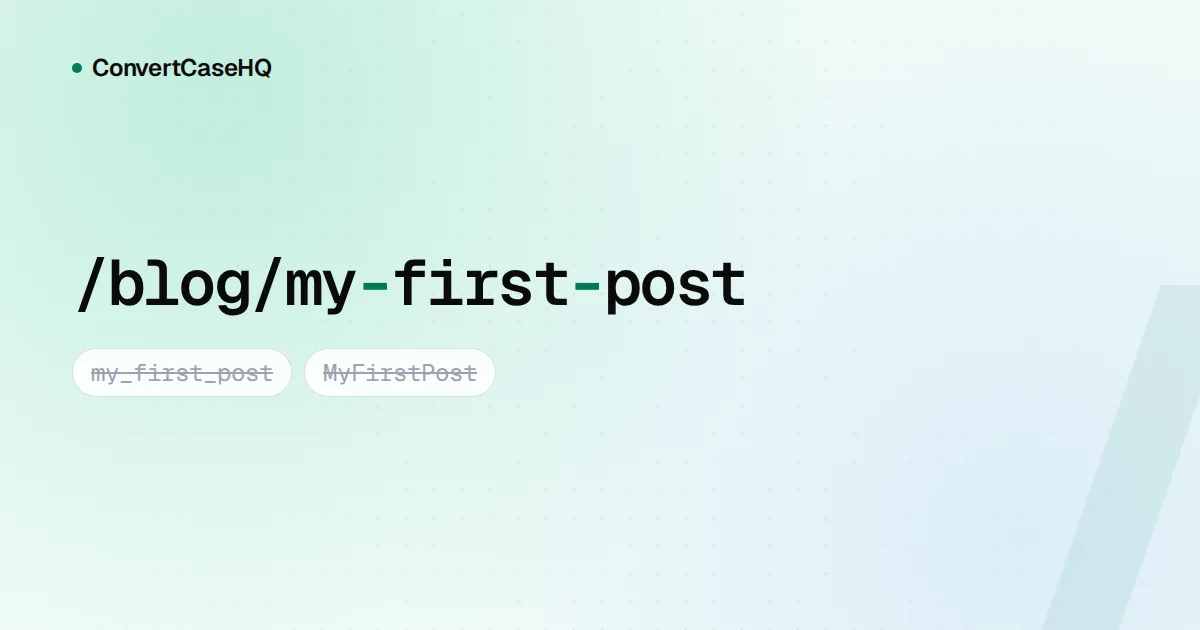
The best URL slug is a few lowercase words joined by hyphens: kebab-case-slugs, not Kebab_Case_Slugs. Google's own documentation recommends hyphens over underscores, and because Google treats URL paths as case-sensitive, sticking to lowercase saves you from accidental duplicate pages. Almost everything else people say about URL slugs (ideal length, stop words, keyword placement) is judgment rather than rule, so this post separates the two.
Hyphens vs underscores: what Google actually says
You don't have to rely on SEO folklore here, because Google states it directly in its URL structure best practices:
We recommend using hyphens (-) instead of underscores (_) to separate words in your URLs, as it helps users and search engines better identify concepts in the URL.
The reasoning is easy to see. Underscores are already used to hold words together: programmers name a function format_date precisely because they want it read as one unit. A hyphen, by contrast, reads as a gap between separate words. The page illustrates the point with examples like these:
| URL path | Google's verdict |
|---|---|
/summer-clothing/filter?color-profile=dark-grey | Recommended (hyphens) |
/summer_clothing/filter?color_profile=dark_grey | Not recommended (underscores) |
/greendress | Not recommended (words joined) |
Notice what Google doesn't say. It never claims an underscored URL can't rank, or that it gets ignored. You'll find confident blog posts asserting exactly that; treat them as rumor. The documented position is a recommendation, with a sensible reason attached.
How much do keywords in the slug matter?
Less than many people assume. Google's SEO Starter Guide lists "keywords in the domain name or URL path" under things not to focus on, and says that from a ranking perspective they "have hardly any effect beyond appearing in breadcrumbs." The same guide does encourage descriptive URLs, though, because parts of the URL can appear in search results as breadcrumbs and people use them to judge whether a result looks useful.
So the honest reason to write good URL slugs is people. A slug like /blog/seo-url-slugs-kebab-case tells someone what they'll get before they click, survives being pasted into a chat, and is easy to read aloud. A slug like /p?id=8812 does none of that.
That also answers a common worry: should you rename every old my_post URL to my-post? We wouldn't, unless you're already restructuring the site. Changing a URL means setting up redirects and waiting for search engines to catch up, and the documented upside is small. Use hyphens for everything new and leave working URLs alone. If you do decide to move them, our guide to permalinks, URL structure and safe redirects covers how.
Why URL slugs should be lowercase
The host part of a URL (Example.com) isn't case-sensitive, but everything after it can be. Google's documentation is explicit that its URL handling is case-sensitive, and gives the example of /APPLE and /apple being treated as two distinct URLs with their own content.
What happens next depends on your server. On many setups, /Blog/My-Post simply returns a 404 because no file or route has that exact name. On others, every capitalization serves the same page, which quietly creates duplicates. Google's advice for the second case is to convert all text to the same case so it's easier to tell the URLs point to the same page.
Lowercase is the obvious case to pick. Most people type URLs in lowercase, and nobody remembers whether it was Pricing or pricing. If your server already answers mixed-case requests, add a permanent redirect from any uppercase path to its lowercase twin. (Domains and email addresses follow different rules; we explain those in text case in domain names and emails.)
Turning a title into a clean slug
Here's the process a typical slug generator follows, and the one you'd follow by hand:
- Lowercase everything.
- Delete apostrophes rather than replacing them, so don't becomes
dontinstead ofdon-t. - Replace every run of spaces and punctuation with a single hyphen.
- Trim hyphens from the start and end.
- Decide what to do about accents and non-Latin letters.
- Read the result and edit it like a human.
Step six is where the craft is. Some real conversions, using the Slugify option in our converter:
| Title | Automatic slug | After editing |
|---|---|---|
| SEO Best Practices for URL Slugs: Why kebab-case Wins | seo-best-practices-for-url-slugs-why-kebab-case-wins | seo-url-slugs-kebab-case |
| Don't Panic: 10 Tips for Café Owners! | dont-panic-10-tips-for-cafe-owners | cafe-owner-tips |
| C++ vs C# | c-vs-c | cpp-vs-csharp |
The first row is this post's real slug. We cut "best practices", "why" and "wins" because they add length without adding meaning. The third row shows why you can't skip the editing step: symbols like + and # carry the whole meaning of that title, and a mechanical slug throws them away.
Stop words: cut the filler, keep the meaning
Dropping small words like "a", "the" and "of" is a reasonable way to shorten a long slug. It isn't a rule. Keep any short word that changes the meaning: coffee-without-sugar and coffee-sugar are different pages, and "not", "no" and "vs" are tiny but load-bearing.
Length
Google publishes no character limit for slugs. Its guidance is simply to keep URLs simple and readable. Our rule of thumb is three to six words that name the topic, which keeps the slug readable in a breadcrumb and short enough to share. A slug doesn't need to repeat the whole title, and it shouldn't change every time you tweak the headline.
Accents and other languages
Google recommends using words in your audience's language in URLs. For accented Latin text, many slug generators strip the accents, so crème brûlée becomes creme-brulee. That's usually fine, but it can occasionally change a word: German schön (beautiful) turns into schon (already). Read the result. For scripts like Greek, Cyrillic or Japanese, you can keep the original letters; the trade-offs of non-ASCII slugs are covered in our permalinks guide.
kebab-case vs Slugify in ConvertCaseHQ
Our case converter has both a kebab-case option and a Slugify option, and they're not the same thing. Both lowercase the text, drop apostrophes, keep non-Latin scripts such as Greek, Cyrillic and Japanese (an empty slug helps nobody), and join words with hyphens. The differences:
- Accents: Slugify removes them from Latin letters (é → e, ł → l, ß → ss). kebab-case keeps them, so Café becomes
café. - camelCase input: kebab-case splits it (
XMLHttpRequest→xml-http-request), which is what you want for code. Slugify treats it as one word (xmlhttprequest).
Neither option removes stop words; that's your call. Both treat the whole text box as one string, so line breaks become hyphens too. Convert one title at a time.
A short checklist for URL slugs
- Lowercase only, and redirect mixed-case variants if your server answers them.
- Hyphens between words. No underscores, no spaces, no joined-up words.
- No apostrophes, punctuation or leftover symbols, but rewrite titles where the symbols matter.
- Three to six meaningful words. Cut filler, keep words that change meaning.
- Write it once and leave it alone. A stable URL beats a perfect one.