Best Free Online Text Tools for Writers in 2026
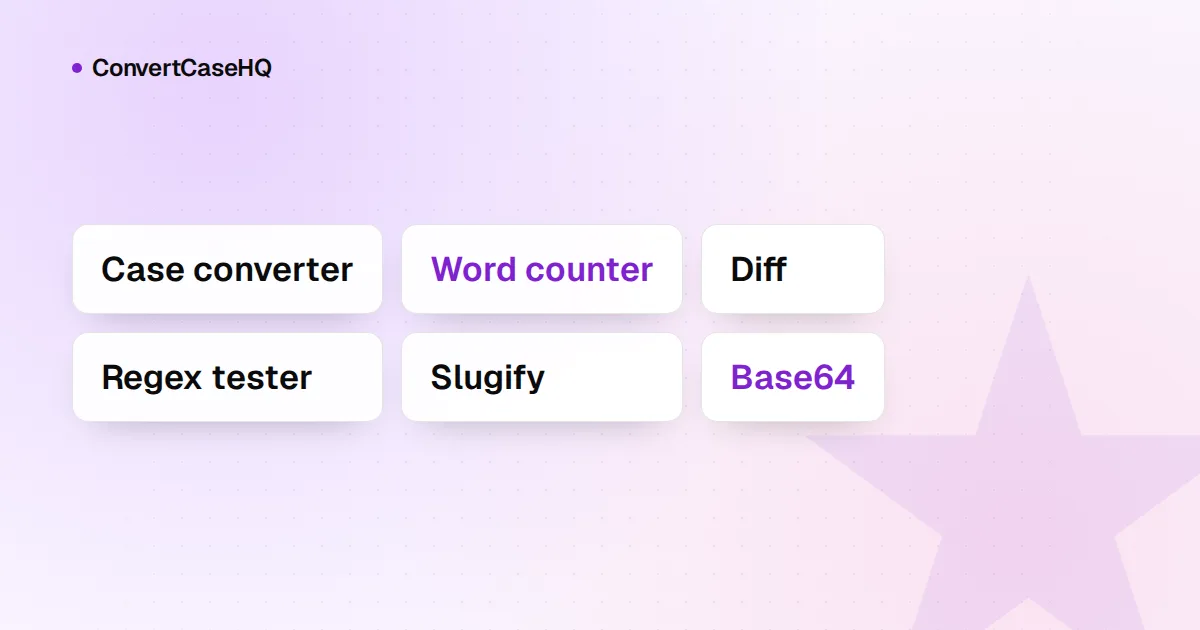
The free online text tools worth bookmarking in 2026 are mostly unglamorous: a case converter, a character and word counter, a find-and-replace that understands regular expressions, a diff checker, and a few clean-up utilities. The best ones process your text in your browser, don't ask for an account, don't cap how much you paste, and keep working when your connection drops. Below is what each kind of tool is for, and how to test any of them in about a minute before you trust it with a client's draft.
We make one of these toolkits, so we'll use our own tools as the examples and leave other products out of it. The checklist works on any site, ours included.
The free text tools worth bookmarking
A case converter
For headlines in title case, a paragraph typed with Caps Lock on, or a heading that needs to become a URL slug. Look for one that explains its rules, because "title case" isn't a single rule. In our case converter, Title Case keeps short words such as "a", "of" and "the" lowercase unless they start or end the line or follow a colon, while Capitalized Case capitalizes every word, small ones included. A tool that doesn't tell you which it does will eventually surprise you in a headline.
A character and word counter
Writers live with limits: meta descriptions, social posts, abstracts, form fields. A good counter shows more than a word count. Ours shows characters with and without spaces, words, lines, sentences, paragraphs and UTF-8 bytes as you type. Bytes sound like a developer's concern, but some systems measure length in bytes rather than characters, and in UTF-8 an accented letter takes two bytes and most emoji take four.
Find and replace with regular expressions
The most underrated tool on the list. Many editors have some kind of pattern matching, but a standalone tool is handy when the text lives somewhere that doesn't, like a CMS field or a spreadsheet export. With regular expressions you can collapse every double space, rejoin lines broken by a PDF, or capitalize a product name only where it's a whole word. Our Find & Replace updates the result and the match count as you type, so you can see what a pattern does before you copy anything.
A diff checker
Paste two versions of a draft and see exactly what changed. Ours compares line by line and marks additions and deletions. That's ideal for lists, code and text with one sentence per line. For long paragraphs it's blunter: change one comma and the whole paragraph shows as changed.
Word frequency and readability
For spotting the word you've used fourteen times in two pages. Our Word Frequency & Readability tool counts every word and also reports unique words, average word length and a Flesch reading-ease score. That score was designed for English and our tool estimates syllables with a rule of thumb, so treat it as a rough signal rather than a grade.
Clean-up and formatting utilities
Text from Word, PDFs and web pages brings invisible baggage: no-break spaces, zero-width characters, hard line breaks. Clean whitespace, Join lines, Strip HTML and Strip Markdown are buttons in our converter, and our guide to cleaning up messy pasted text shows the full method. Wrapping text at a fixed width, adding a prefix or suffix to every line, and sorting or de-duplicating lines round out the set.
Generators
Lorem ipsum for mock-ups and layouts, and a password generator for new accounts. For passwords, check that the tool uses the browser's cryptographic random number generator, crypto.getRandomValues, rather than Math.random, which isn't designed for secrets. Ours uses the former.
What to look for in a free online text tool
Six checks. None takes more than a minute.
1. It runs in your browser
Most text tools have no reason to send your text anywhere. Changing case or counting words takes a few lines of code that run happily on your own machine. To check, open your browser's developer tools and switch to the Network panel (Chrome's documentation explains how to inspect network activity), clear the list, then paste some text and run the tool.
A request on each click isn't proof on its own. Our converter, for example, sends an analytics event naming the button you pressed, without your text. So click the request and look at what it carries. If your text is in there, it left your device.
2. No account for basic work
Counting words or changing case doesn't need to know who you are. A sign-up wall in front of a simple tool usually means collecting email addresses is part of the business model. Accounts make sense for saved history or team features; they don't make sense for a word count.
3. No artificial limits
Word caps, daily quotas, "upgrade to convert more than 500 words". When the work happens in your browser, your computer is doing it, so there's little reason for those limits. Real limits do exist, and a good tool tells you about them. Our share links, for instance, stop at about 6,000 characters of URL because servers and chat apps cut longer links short, and the share button says so when your text is too long.
4. It keeps working offline
A tool that runs locally doesn't care when your train goes into a tunnel. Test it: load the page, switch off Wi-Fi, and use it. ConvertCaseHQ isn't an installable offline app, but once a page has loaded, its conversions don't need the network.
5. Ads and tracking you can live with
Free tools are paid for somehow, usually with ads or a paid tier. Ads aren't the problem; ads that shift the layout just as you reach for the Copy button are. Read the privacy page too, and check that it says what happens to the text you enter. Ours lists the analytics we use and the advertising that supports the site, and states that we don't transmit, store or have access to your text.
6. Predictable behaviour on awkward input
Run a tricky sample through it: an abbreviation ("the U.S. office"), a brand name ("iPhone"), accents ("Crème brûlée") and some text in another language. Then see whether the result is something you could have predicted. Our Slugify turns "Crème Brûlée: 10 Tips & Tricks!" into creme-brulee-10-tips-tricks, and on the Turkish version of the site UPPERCASE turns "istanbul" into "İSTANBUL", as Turkish spelling requires. Every conversion is explained in the guide below our converter. You want behaviour you can predict, not behaviour you discover after publishing.
Red flags worth walking away from
- The result only appears after a countdown or a video ad.
- A mechanical job turns into a rewrite: you asked for title case and the tool also "improved" your wording.
- There's no privacy page, or it never mentions the text you paste.
- The tool needs your file uploaded to a server for something as simple as a word count.
A starter set to bookmark
If you only bookmark four, make them a case converter, a counter, a find-and-replace with regex and a diff checker. Between them they cover most of the mechanical text work a writer does in a week, and they're the four tools we'd miss most. Beyond the converter, our Tools page lists 31 more tools, all free, with no sign-up, and all running in your browser.